Invoice-aware reminder drafts and Monkee companion
October 15, 2026 · Shipped and verified
- NewEditable due-date, +7, +14 and +30 remindersReview invoice and payment context, choose follow-up or promised-payment dates, and confirm sending separately to record history. Opening email or copying a draft does not send it or mark it sent. Attach PDFs yourself. Paid invoices stop follow-up prompts; optional history respects your saving choice.
- NewMonkee companion interactionsKeyboard and touch controls, Hide/Show and reduced-motion support keep the companion optional. It stays out of document editing, PDF and print output.
Open the invoice generator →
PDF layout and sharing repairs
October 14, 2026 · PDF and link improvements
Improved wrapping, divider spacing and pagination retain notes and payment details on long invoices. An optional View invoice online hyperlink gives recipients another way to open the invoice. Sharing and manual payment-reporting guidance is clearer.
Automated browser/PDF checks and Poppler inspection passed. The complete Acrobat, Chrome viewer, macOS Preview, Poppler, iOS and Android matrix remains unverified. The online-view QR is deferred. Optional invoice links share the selected invoice with the link service.
Create an invoice →
A reviewed public feedback board
October 13, 2026 · Content repair
Repaired the authored JSON and restored the reviewed feedback board. Private and rejected submissions remain excluded from public output.
Read feedback →
A connected repeat-client workflow
October 10–11, 2026 · Workflow and client referrals
The October 10 workflow connects optional saved clients, local invoice history, duplication, reminders and manual payment records. Backup/restore preserves invoice identity and contact details. Preparing or downloading a document does not confirm issuance; turning saving off is separate from deletion.
The October 11 client-view creation links open a blank invoice while preserving the original draft and saved data.
Try the workflow →
Document tools that are easier to find and use
October 4, 2026 · Navigation and readability
Shared navigation connects all six document tools, PDF controls stay visible while editing, the tools hub explains access and Finder limits, and the Timesheets introduction is readable on desktop and phones.
Explore the tools →
Clearer paid links and reachable Settings controls
October 3, 2026 · Invoice support fixes
- FixedPaid-confirmation links explain missing local invoices
A link opened in a browser without that invoice now shows a lasting explanation. Open it in the original browser, or restore a full invoice-history backup and reopen it. The smaller profile-and-client transfer does not include invoices. Confirmation stays local to your browser; it does not verify a payment or sync invoice history.
- FixedSettings and consent choices stay easy to reach
The consent banner waits while a dialog is open, keeping Settings Save accessible. On phones, the Download PDF bar makes room for the banner so Not now stays reachable. Your saving choice and consent behavior are unchanged.
Open the invoice generator →
Help with your next invoice
October 2, 2026 · Seven-day pilot
- NewOptional invoice help at no charge
Email a client name or placeholder, the service, and the amount. We confirm your business name and currency, then return an editable invoice for you to review and download. Emailed details are shared with MonkeeTools. Add payment details directly in the invoice; please do not email bank or account details, or tax identifiers.
- ImprovedA compact, accessible invitation
The invitation opens only when you choose it, with a clear email button and readable narrow-screen layout. Create an invoice remains the primary action, and the self-service tool remains free forever.
This is a seven-day pilot, reviewed manually after publication. There is no automatic expiry or response-time promise.
See the invoice-help invitation →
Clearer Settings labels
October 2, 2026 · Settings clarity
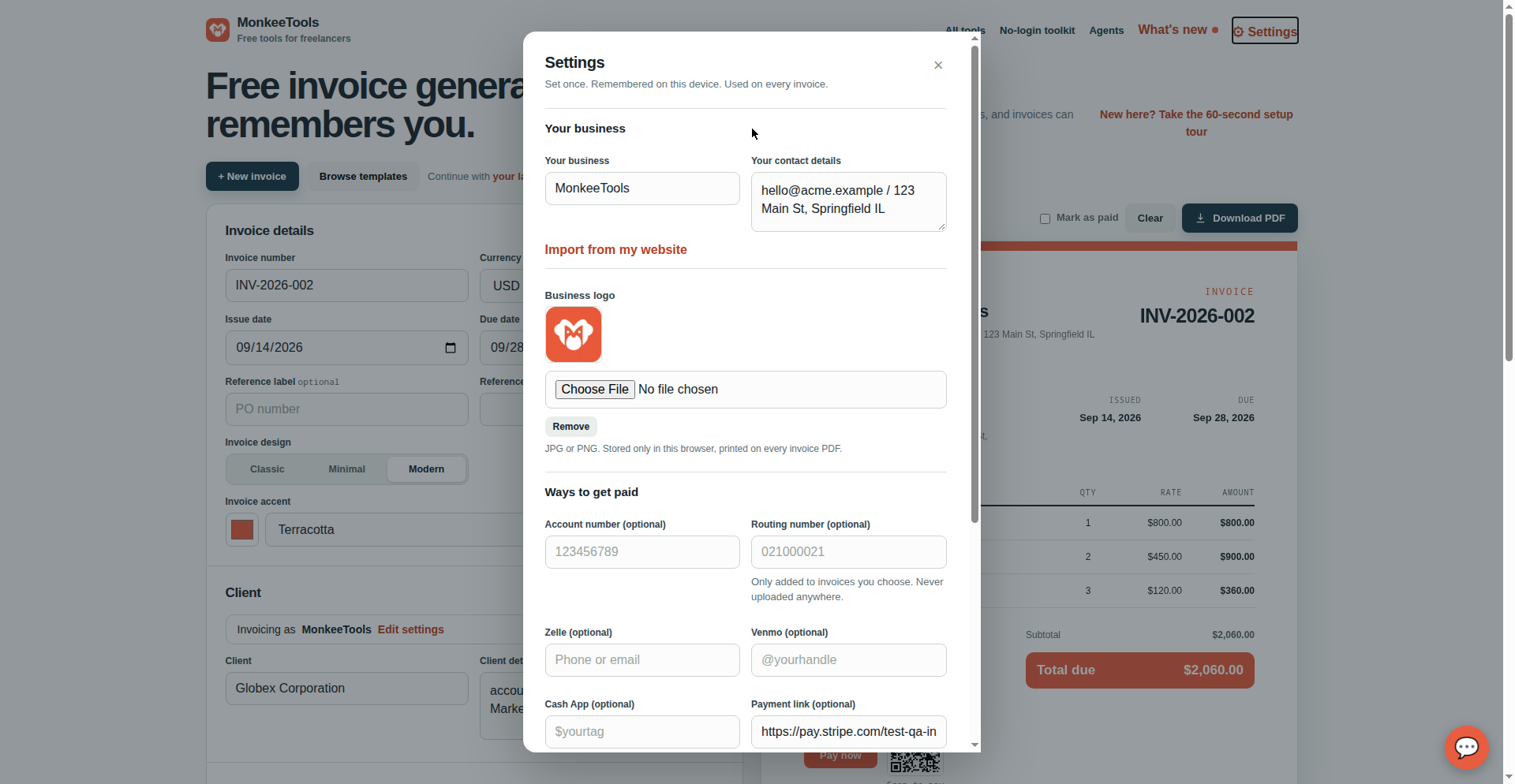
- ImprovedSettings labels match your saving choice
Settings now distinguishes a profile kept for this visit only from one saved automatically on this device. Save on this device remains an explicit opt-in. This is clearer wording, not a change to your saving choice or storage behavior.
Open the invoice generator →
A clear start for new invoices
October 2, 2026 · Invoice-start fix
- FixedStart a blank invoice without misleading notices
On a fresh visit, Create an invoice opens a blank invoice without misleading sample-invoice or pre-filled-from-link notices. Real shared invoice links still import correctly.
Create an invoice →
Payday
September 14, 2026 · 6 releases
Getting paid is the whole point of an invoice, so this batch is the money loop end to end: recurring invoices for retainer clients, reminders for late payers, a ping when the client taps "I've paid," a scan-to-pay QR code printed right on the invoice, and a Mark as paid checkbox at download.
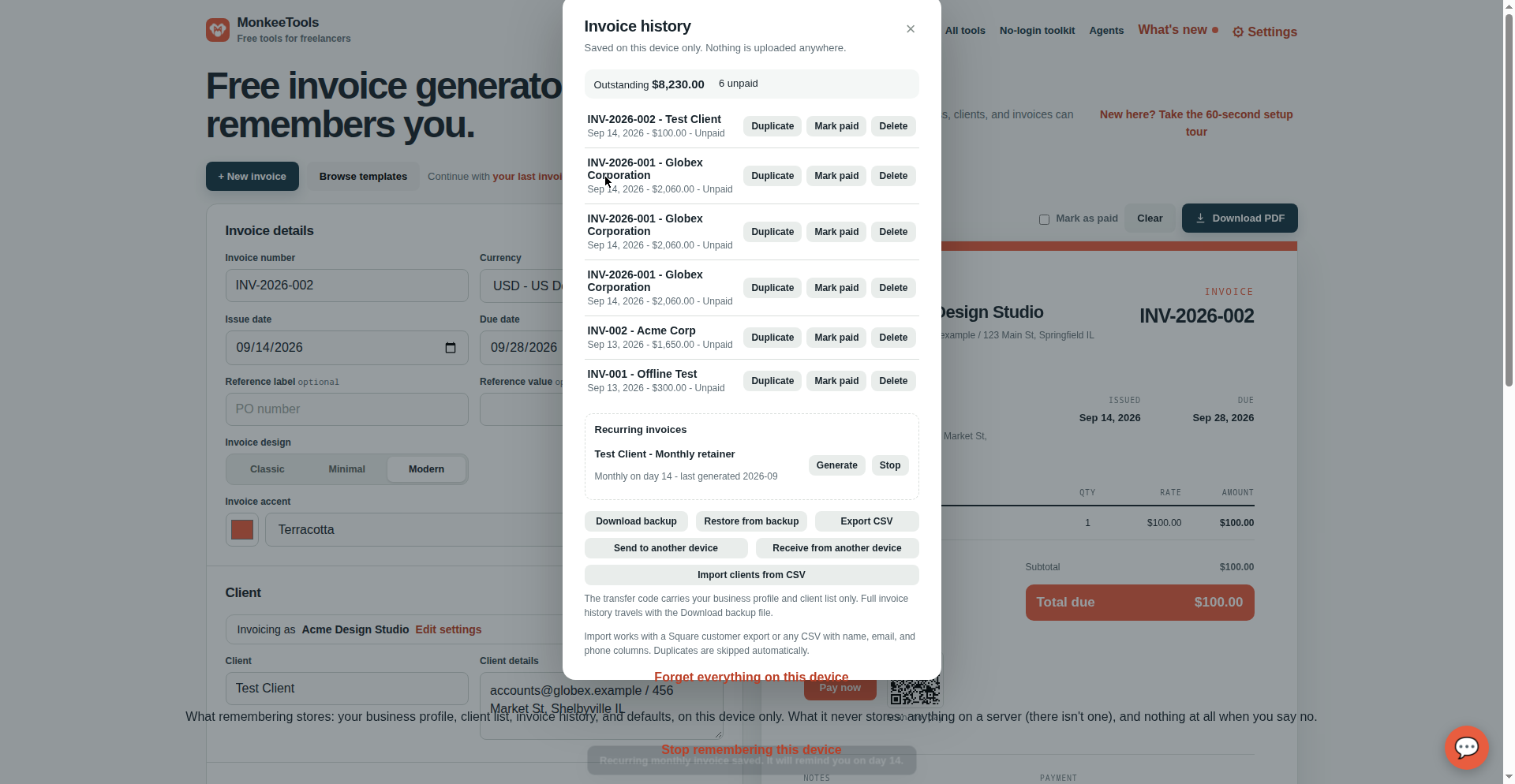
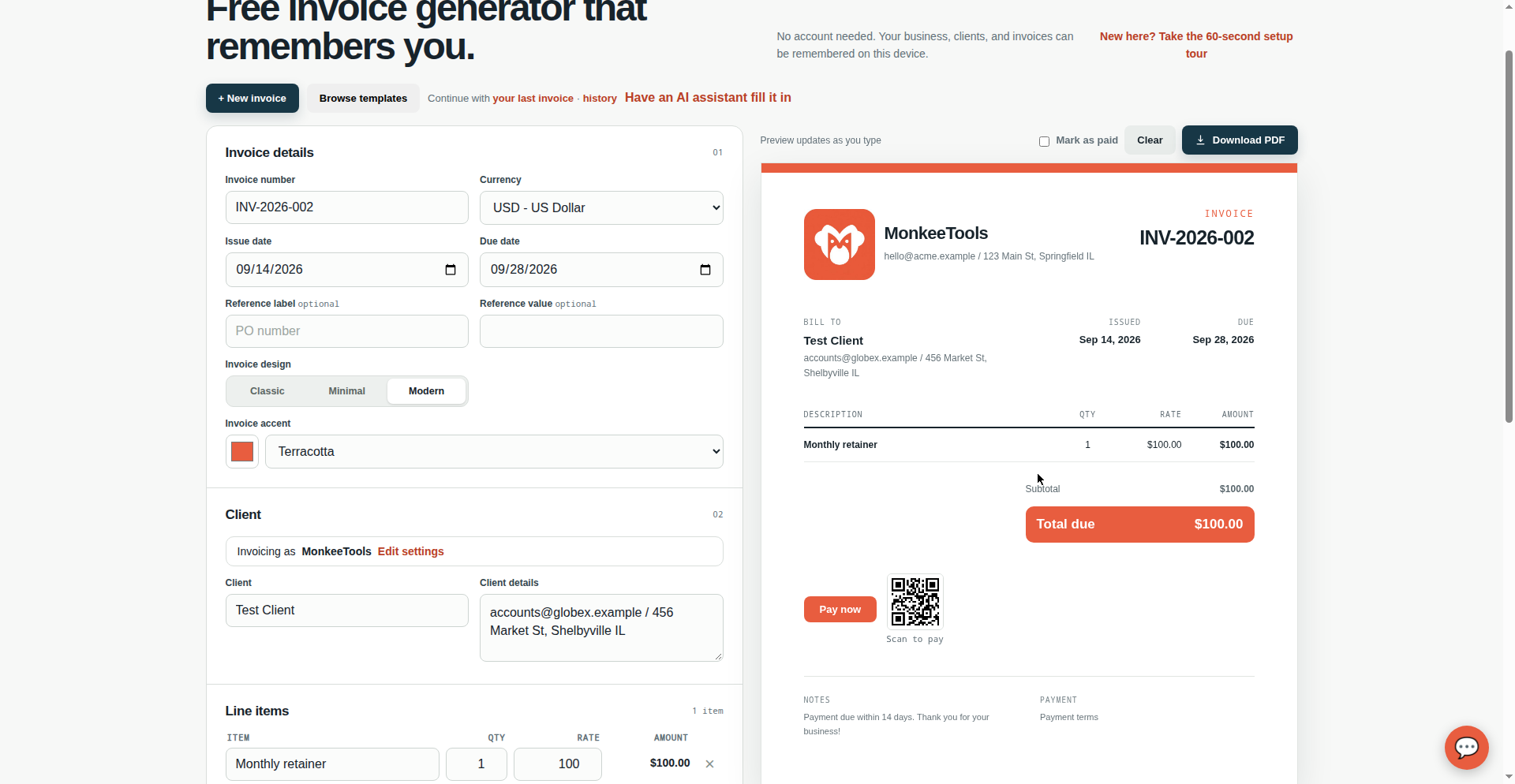
- NewRecurring invoicesSave any downloaded invoice as a monthly template. MonkeeTools nudges you when the next one is due. Try it →
- NewPayment remindersOverdue invoices get a Remind button that drafts a polite nudge email with the amount and due date.
- NewNotify me when paidOptional per-invoice toggle adds an "I've paid" button to the client link. The client taps it and you get the ping. Try it →
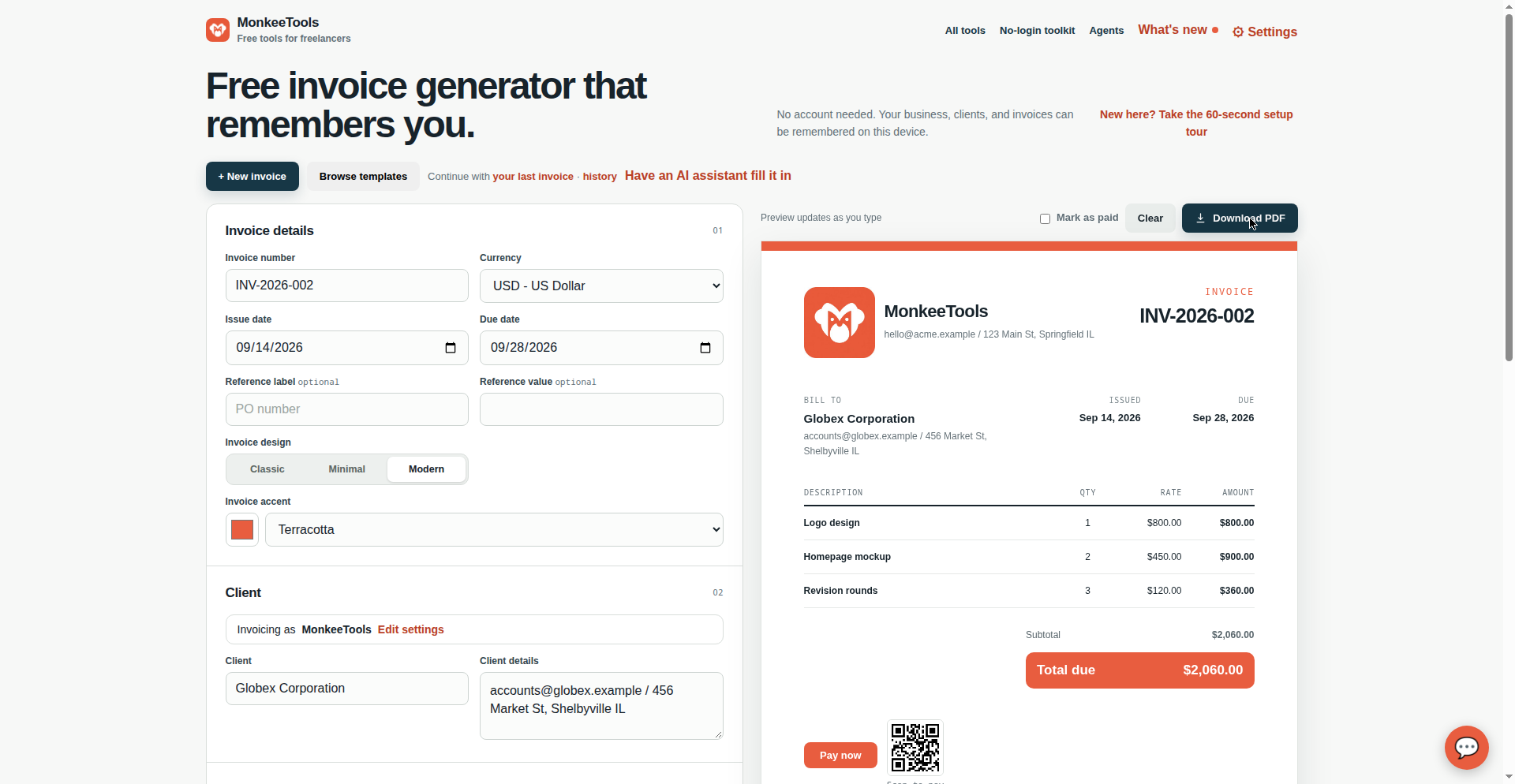
- NewScan-to-pay QR codeAdd a payment link and the invoice carries a QR code beside the Pay now button, in the preview and the PDF. Try it →
- NewMark as paid when you downloadA checkbox sits next to the download button. Tick it and the invoice lands in your on-device history already paid.
- NewMore ways to get paidSave your Zelle, Venmo, and Cash App handles once, then tick which ones print on each invoice. Bank transfer details print too. Try it →
Three designs
September 14, 2026 · 2 releases
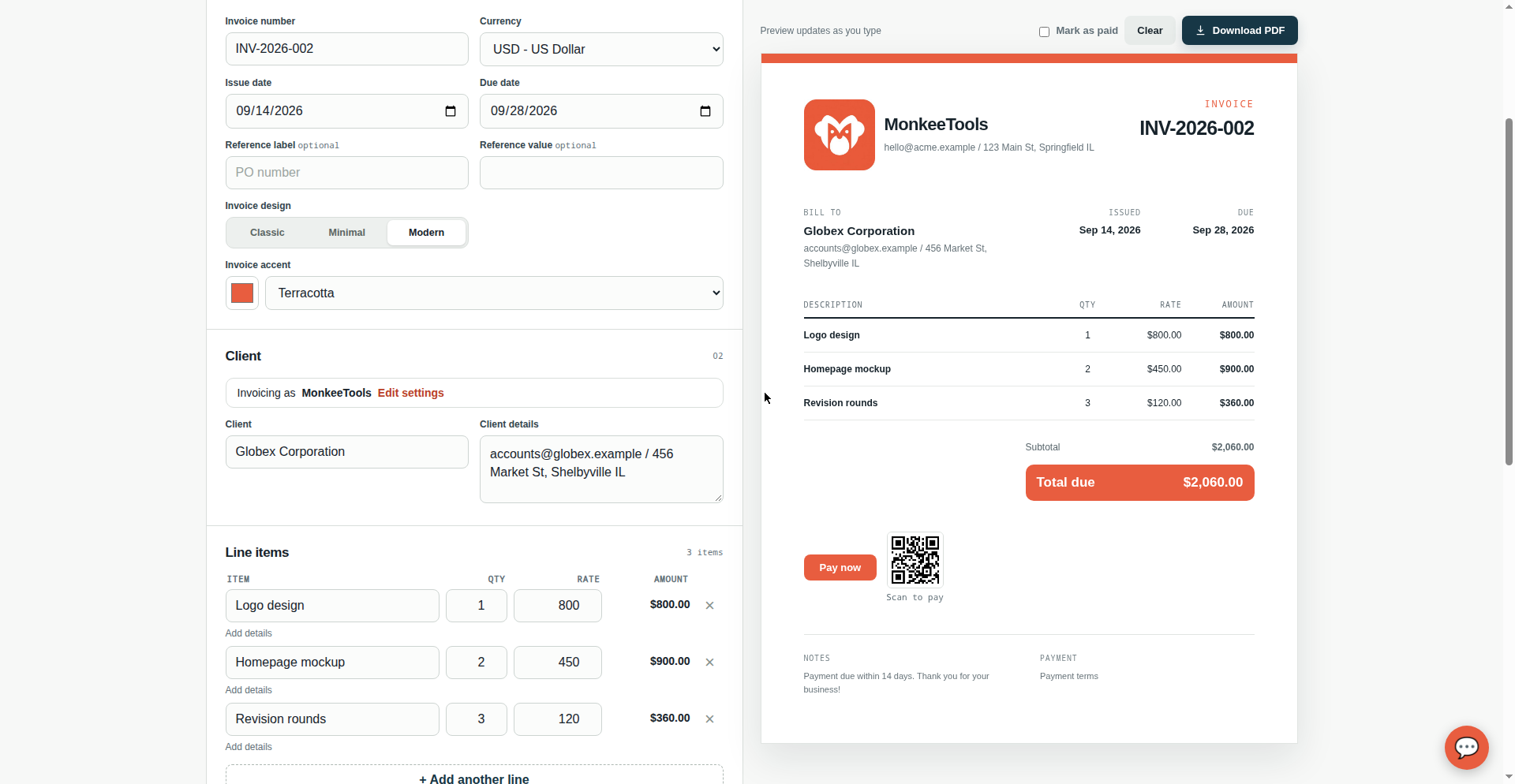
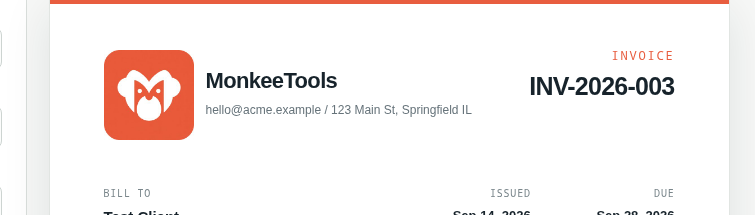
Invoices finally have a wardrobe. Pick Classic, Minimal, or Modern from a segmented control and the preview follows your choice. And even with no logo uploaded, you get a branded monogram mark plus a bold Total bar, so every invoice looks like it came from a real business.
- NewThree invoice designsPick Classic, Minimal, or Modern for every invoice. The on-screen preview follows your choice, and the design travels into the PDF. Try it →
- ImprovedBranded look, no logo neededNo logo? Your initials now appear as a branded monogram mark in every template, and Total due is a prominent filled bar.
The Aaron session
September 13, 2026 · 6 releases in one afternoon
Aaron Martynowicz, who runs Trash Panda junk hauling in Dundalk, tested MonkeeTools over text messages: made a real invoice in four to five minutes, then told us everything that bugged him. Every item below shipped the same day he reported it. His verdict: no login, no verification, none of his data on our server.
- ImprovedBigger business logosLogo up to 90px tall in the preview and up to 230pt wide on PDFs, across all three designs. Enlarged twice in one day at his request.
- FixedRemember prompt timingHe refreshed before his first download and lost his logo and settings. The “Remember on this device” prompt now appears right after uploading a logo and when closing settings with unsaved changes.
- FixedMobile header stackingOn phones the invoice header now stacks vertically, so the email address fits on one line instead of breaking mid-word.
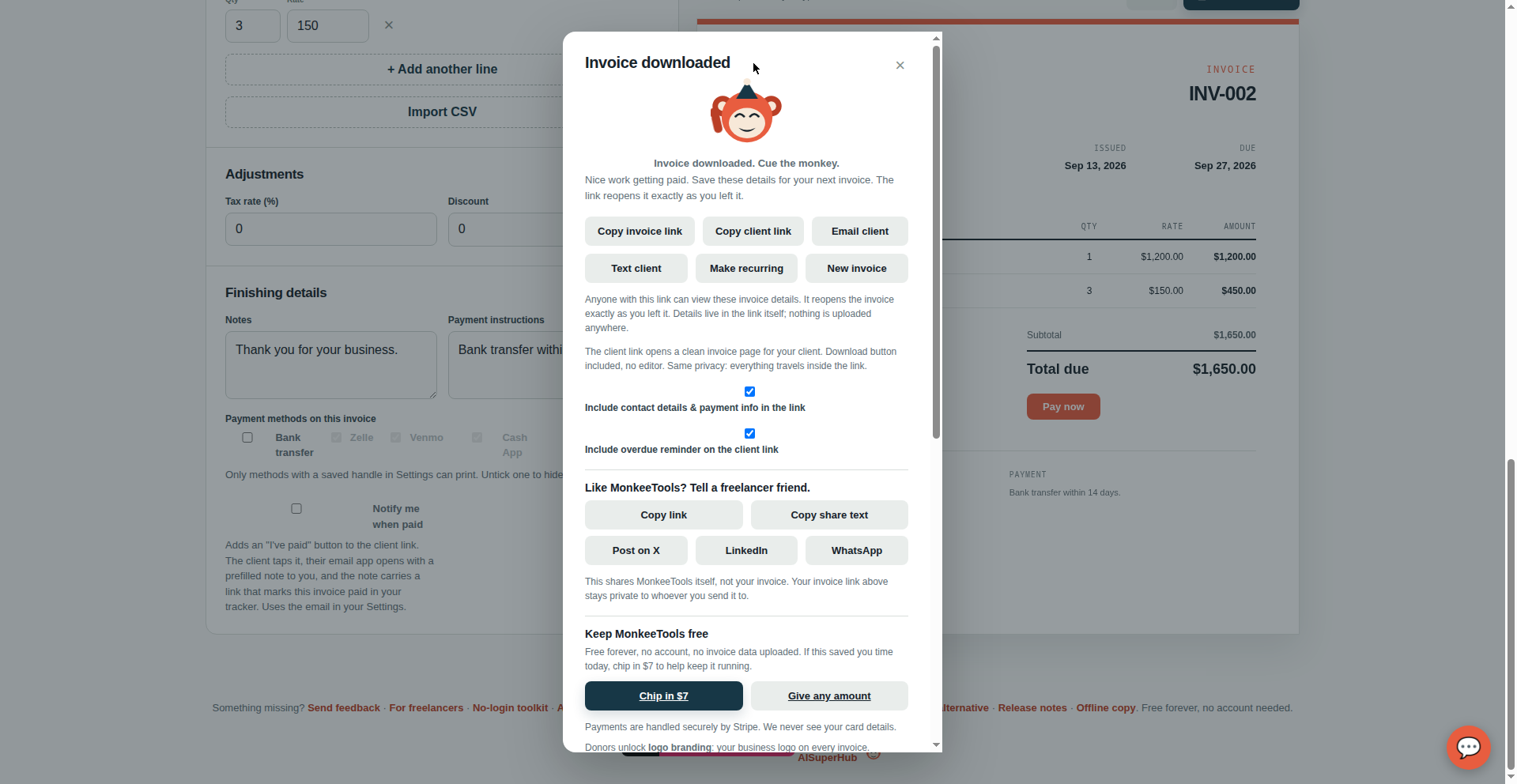
- NewText clientNew button after download: punch in the client’s mobile number and the messaging app opens with the number and invoice text ready. One tap to send. Try it →
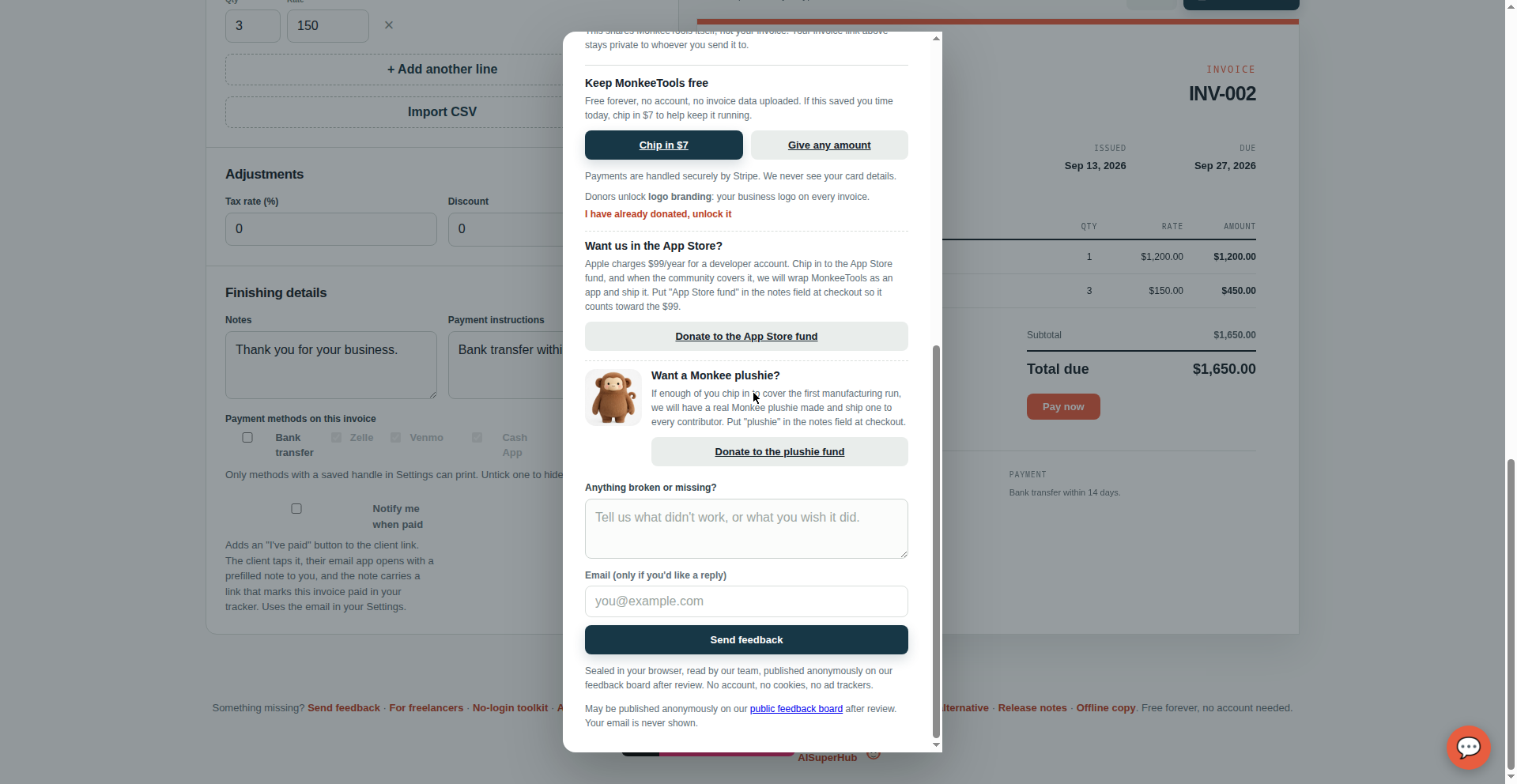
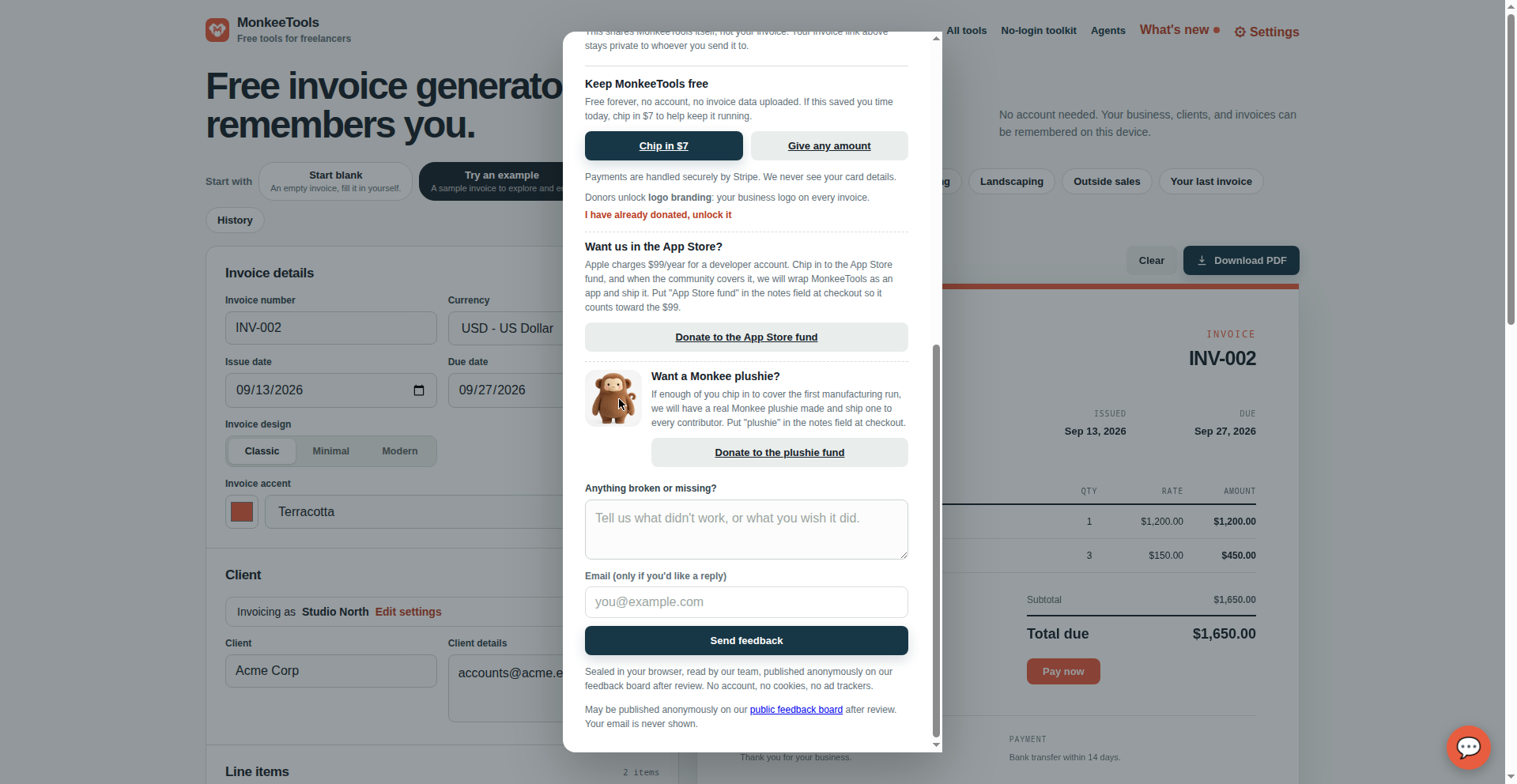
- NewApp Store fundHe asked for an App Store app. Apple charges $99/year, so instead there’s a donate button: when the community covers the fee, we ship the app. Try it →
The plushie fund
September 13, 2026 · 1 release
The most fun five minutes of the day: a donate button next to a plushie that looks like Monkee. If enough donors chip in to cover the first manufacturing run, we will have a real Monkee plushie made and ship one to every contributor.
- NewMonkee plushie fundNew block in the supporter section after download, with a donate button. Put “plushie” in the notes field at checkout so it counts toward the run. Try it →
The no-login toolkit
September 13, 2026 · 6 releases
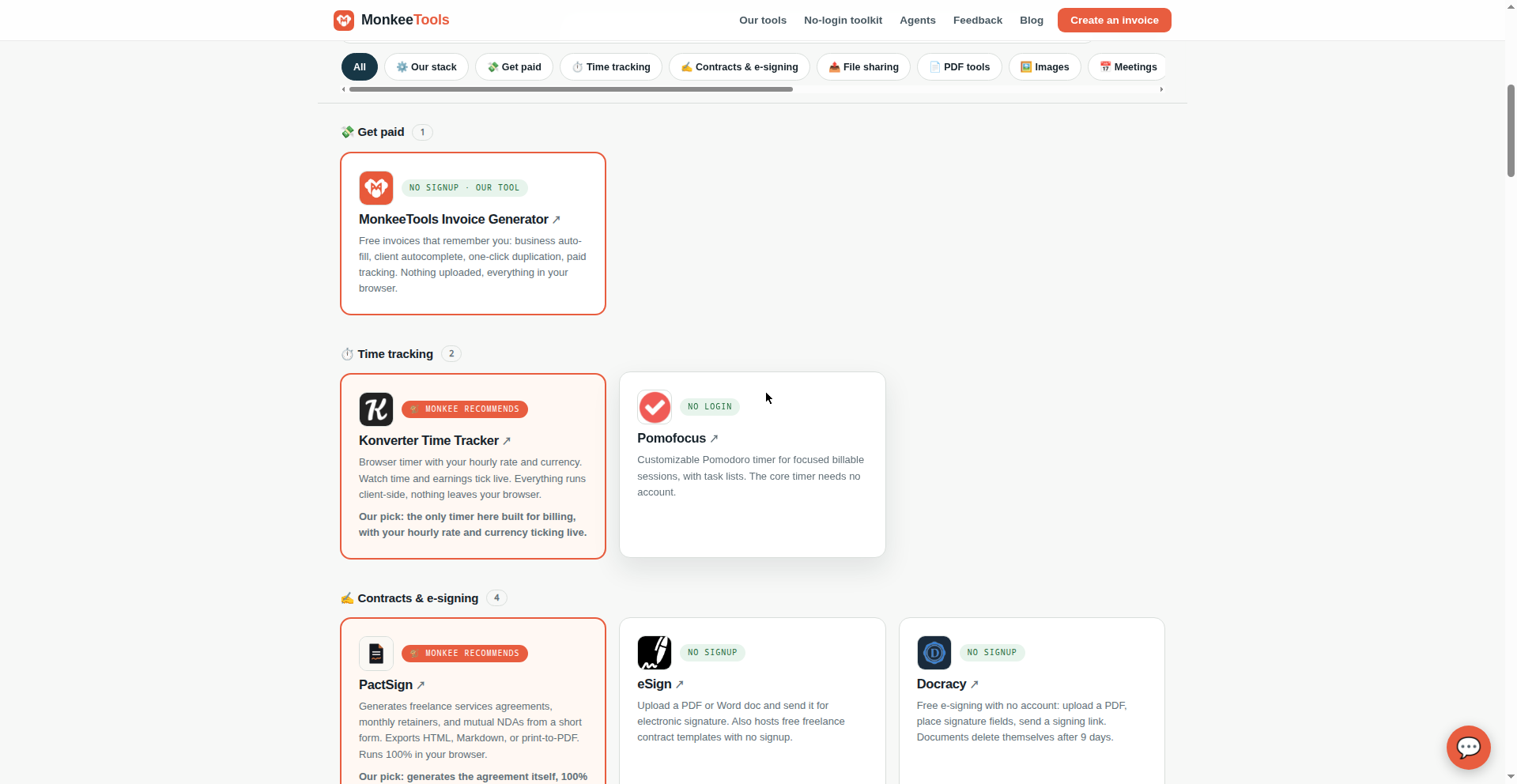
Our hand-verified wall of free tools that work without an account. It launched with 21 tools and grew to 42 hand-verified no-login tools across 12 categories in a day, with real logos, search and filters, a certification badge makers can embed, and one honest exception: a clearly-marked "Worth the signup" shelf for the few login-required tools we actually use to run MonkeeTools.
- NewNo-login toolkit for freelancersA hand-verified collection of free no-login tools across 12 categories: contracts, time tracking, file sharing, and more. Try it →
- New16 more tools join the wallThe toolkit grew from 28 to 44 hand-verified tools in a day; two have since left the wall for being too small to vouch for. 42 no-login tools today.
- ImprovedReal logos, search, and filtersEvery toolkit card now shows its real logo, with a sticky search box and one-tap category pills.
- NewNo-Login Certified badgeTools on the wall can embed our certification badge on their own sites. It links back to the toolkit.
- New"Worth the signup" shelfThe wall stays strictly no-login, but a clearly-marked section lists the few login-required tools we actually use: UptimeRobot and Airtable, both on free tiers.
Trade starters
September 13, 2026 · 2 releases
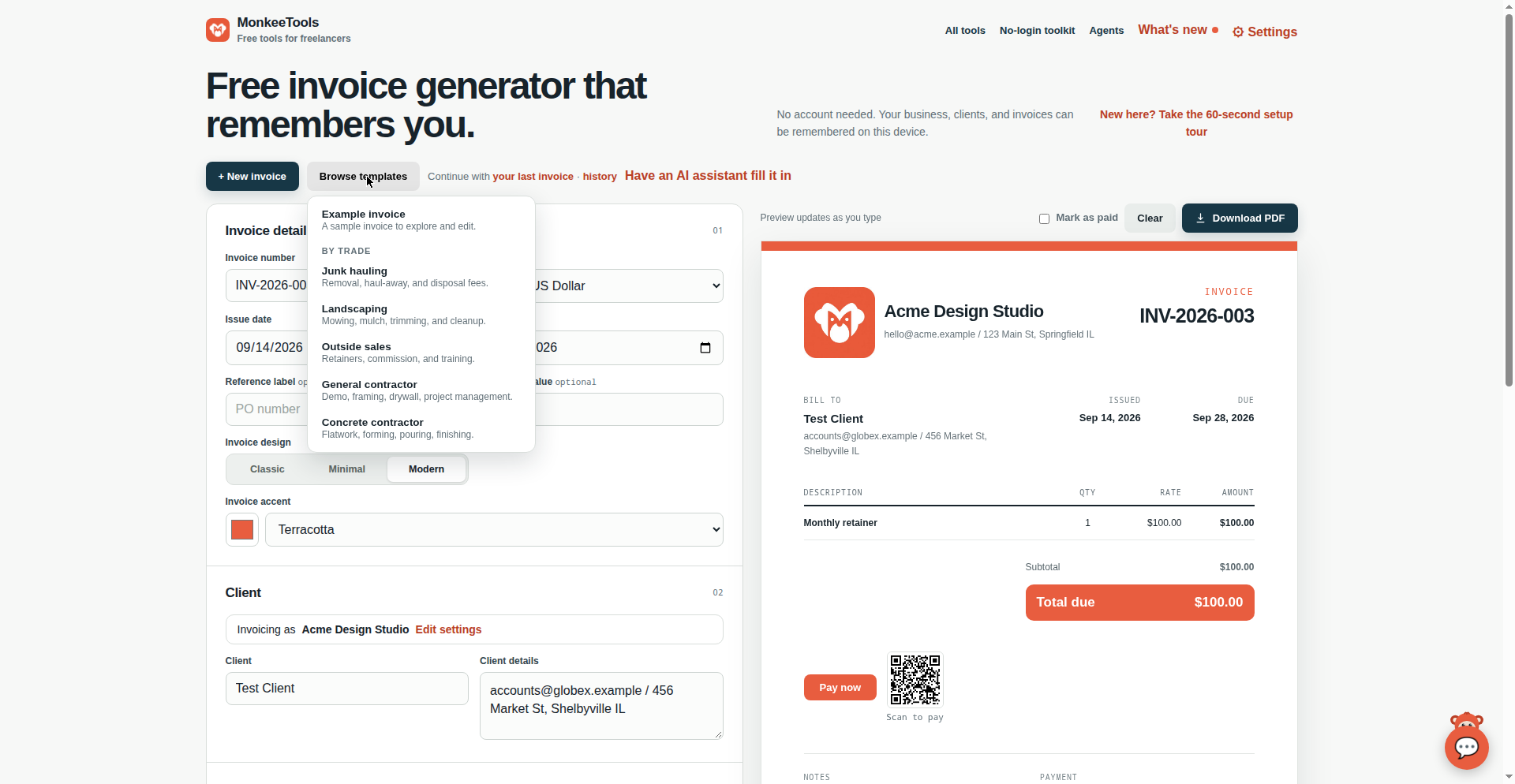
For the trades: starting from a template now fills in realistic line items and payment terms for junk hauling, landscaping, outside sales, general contracting, and concrete work, so the first invoice writes half of itself. Plus an honest Square Invoices alternative page for freelancers paid off-platform.
- NewTrade starter invoicesStart from a trade template and get realistic pre-filled line items and payment terms for junk hauling, landscaping, outside sales, general contracting, and concrete work. Try it →
- NewSquare Invoices alternative pageAn honest Square Invoices comparison for freelancers paid off-platform, now with its own link preview image. Read it →
Older history lives in the What’s new changelog. Spotted something? Tell us on the feedback board, every entry gets a reply.
Create an invoice